Paper Planner vs Task App: Which Fits Your Work?
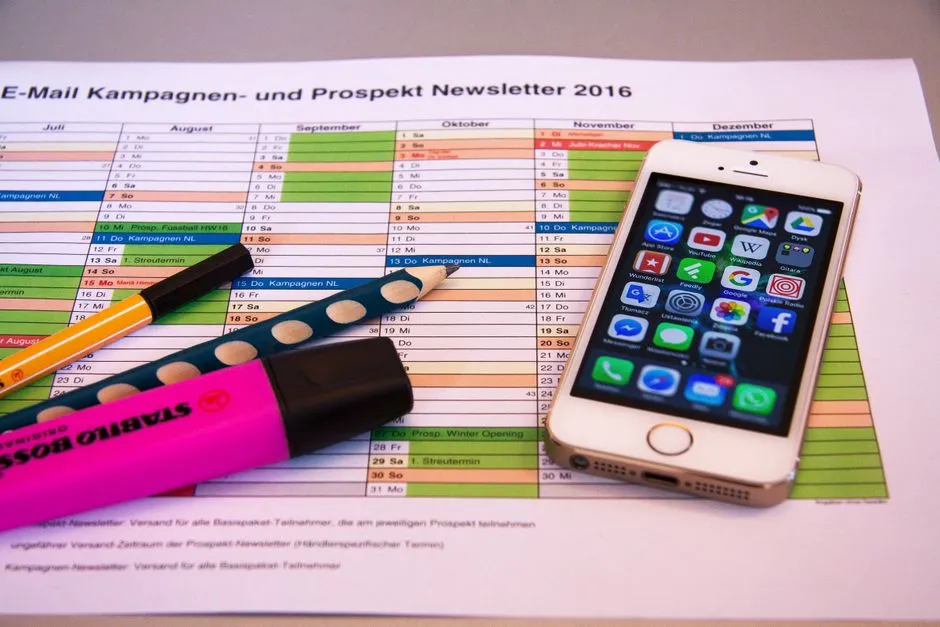
The short answer depends on where tasks change
A paper planner suits people who value a visible page, handwriting, limited space, and a tool with no battery or account. A task app suits work that changes often, repeats, needs search, connects across devices, or is shared. Neither format is automatically more organized. A beautifully indexed planner can hide missed work; an app can send seventeen reminders about the same missed work.
This comparison covers categories, not every product. App features, prices, privacy, export, offline behavior, and support change. Paper layouts, binding, accessibility, and materials vary too. Verify the exact current option before buying or migrating.
Compare capture speed
Paper opens directly if it is nearby, and a quick line can preserve context without menus. It can be slower when the notebook is elsewhere or a task arrives through digital work.
An app may capture quickly from phone or computer and can link to a message or file. Speed depends on setup, permissions, sign-in, connectivity, and whether saving requires too many fields. Test the exact route from interruption to recorded task.
Compare change and repetition
Paper changes through crossing out, arrows, sticky notes, and rewriting. That friction can make priorities visible, but recurring tasks require manual copying. A fixed page also gives the day a physical limit.
Apps can reschedule, duplicate, repeat, sort, and filter—when the selected app currently supports those functions. Easy movement can also let tasks migrate forever without a decision. Check recurrence rules carefully before trusting reminders.
Browse Everyday Comparisons for more category-level tradeoffs.
Compare search and history
A planner offers visual memory: location on a page, handwriting, and nearby notes. Finding an old item depends on indexing and storage. Pages can be lost, damaged, or seen by someone holding the book.
Apps may offer search and history, but depth, retention, export, and deleted-item recovery differ. Confirm current documentation and test an export before depending on it. Search is not ownership; a service can still change or close.
Compare sharing and privacy
Paper is easy to keep offline and awkward to share remotely. A photographed page creates a new digital copy with its own privacy risk. A physical book needs secure handling around private, medical, financial, or workplace information.
Apps can support shared tasks, comments, and assignments, but collaboration, encryption, account control, data location, permissions, and compliance vary. Use approved workplace systems and do not move protected information into a personal app for convenience.
Compare attention and accessibility
Paper avoids digital notifications, offers free-form marks, and may suit people who prefer tactile or spatial cues. It can be difficult for screen-reader users, people who need scalable text, or anyone whose writing causes pain.
Apps may provide search, text scaling, voice input, reminders, themes, and assistive-technology compatibility, but verify each exact product and platform. Screens can also bring distraction or fatigue. Accessibility is not a generic point awarded to “digital”; it is a tested fit for a person.
Run a one-week trial
Choose one real project and record the same types of tasks in each format for a short, defined test—without placing sensitive data into an unapproved tool. Track capture failures, missed reviews, rewriting, search time, notification burden, portability, and comfort.
Avoid running both as permanent sources of truth. During the trial, mark which controls. At the end, use a product comparison scorecard with criteria from your work.
Choose paper, app, or a deliberate hybrid in which calendar and shared work remain digital while personal planning sits on paper. The winner is the format you review and can safely maintain. No trophy is included; paper trophies are difficult to schedule recurring updates for.